PasteNext
Clipboard history with natural language search, Auto Pinboard, and local-first data control.
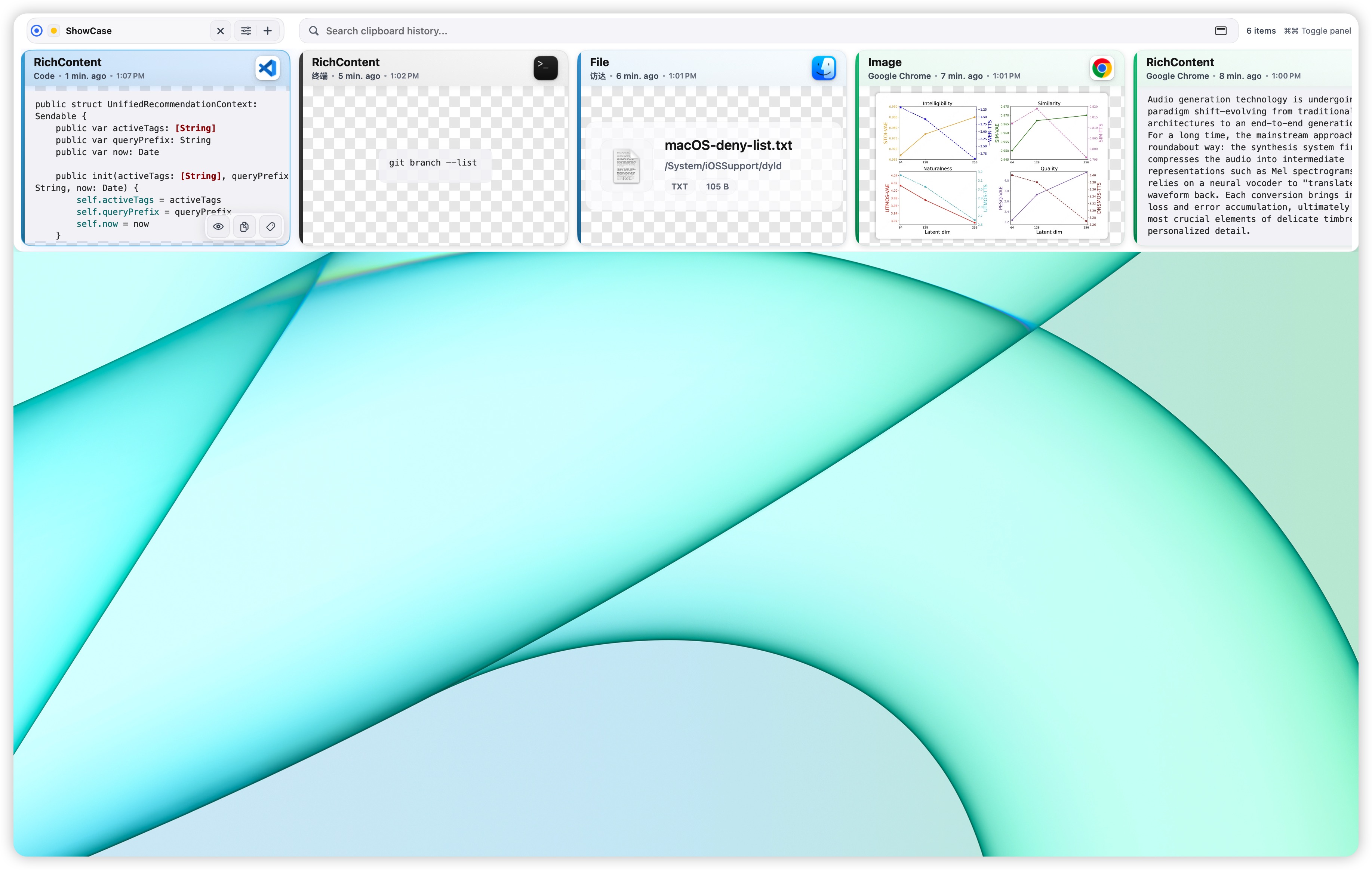
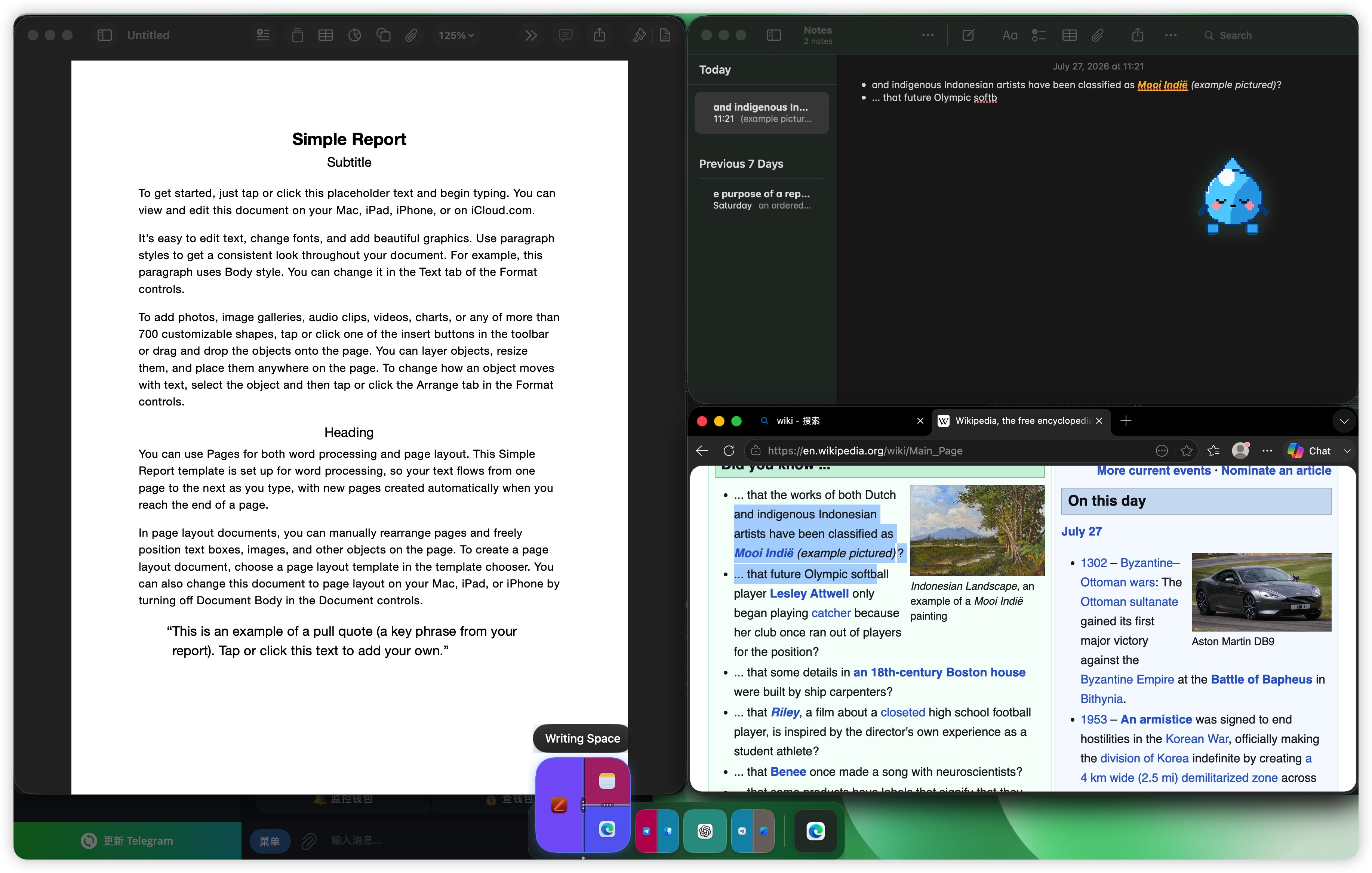
PasteNext finds clipboard items by the context you remember. SnapScene brings back the window layout you already arranged.
Each product does one job well and keeps your data under your control.
The products share one design goal: keep context ready without turning your Mac into a cloud dependency.
Clipboard history, window scenes, tags, and indexes stay on your Mac by default.
The products work with macOS, Shortcuts, and the apps you already use.
Permissions and data storage are explained directly instead of hidden in fine print.
If you copy all day, start with PasteNext. If you rebuild the same window layout, start with SnapScene.
Use PasteNext to recover text, code, screenshots, files, and folders with descriptive search.
Use SnapScene to restore window groups and nested splits into a named desktop scene.