SmartSearch
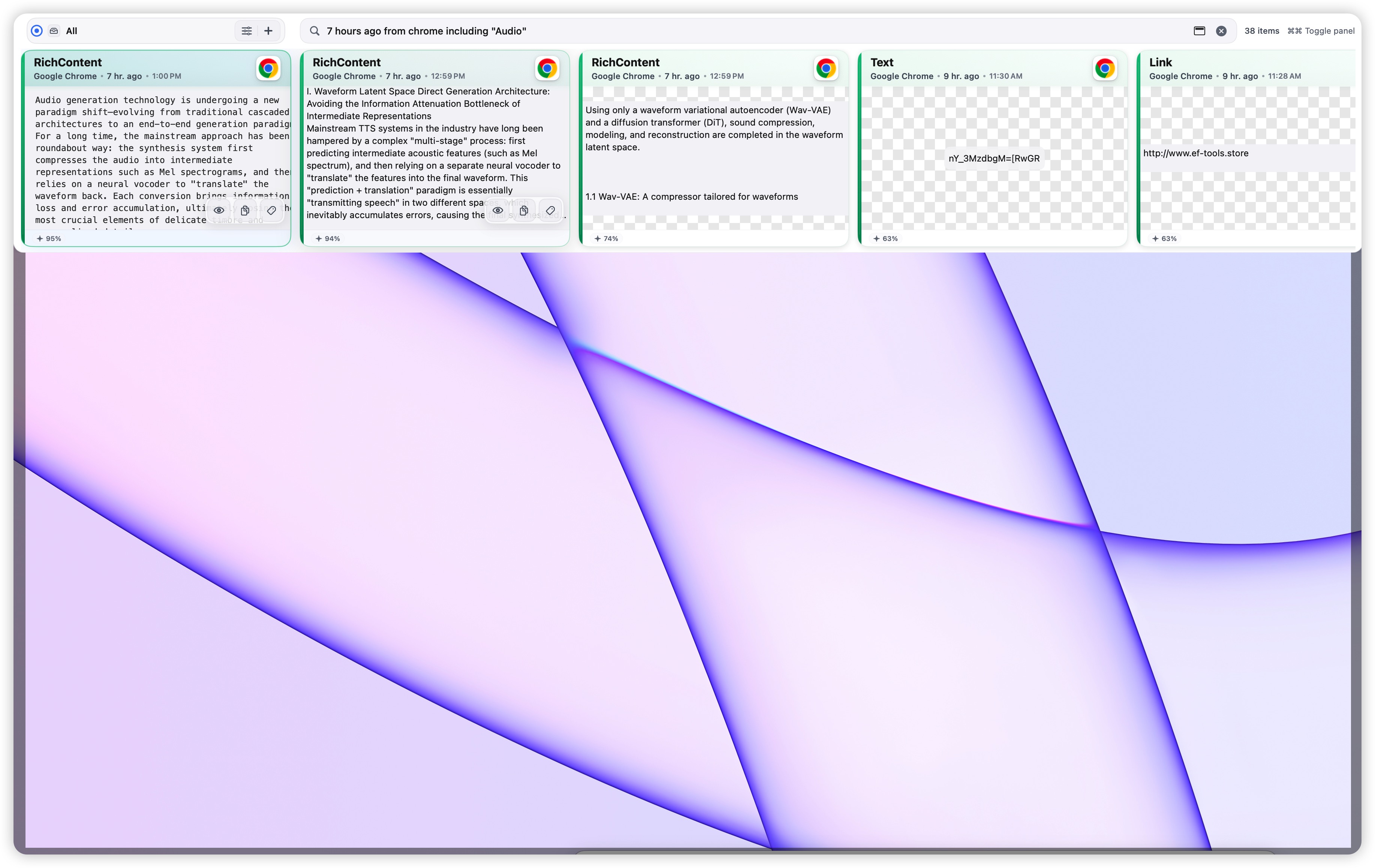
Describe remembered clues: app, time, content type, meaning, and image text.
Source appTime rangeOCR textNatural language
PasteNext keeps text, rich text, code, images, files, and folders searchable. You describe the clue you remember; it finds the item you copied.
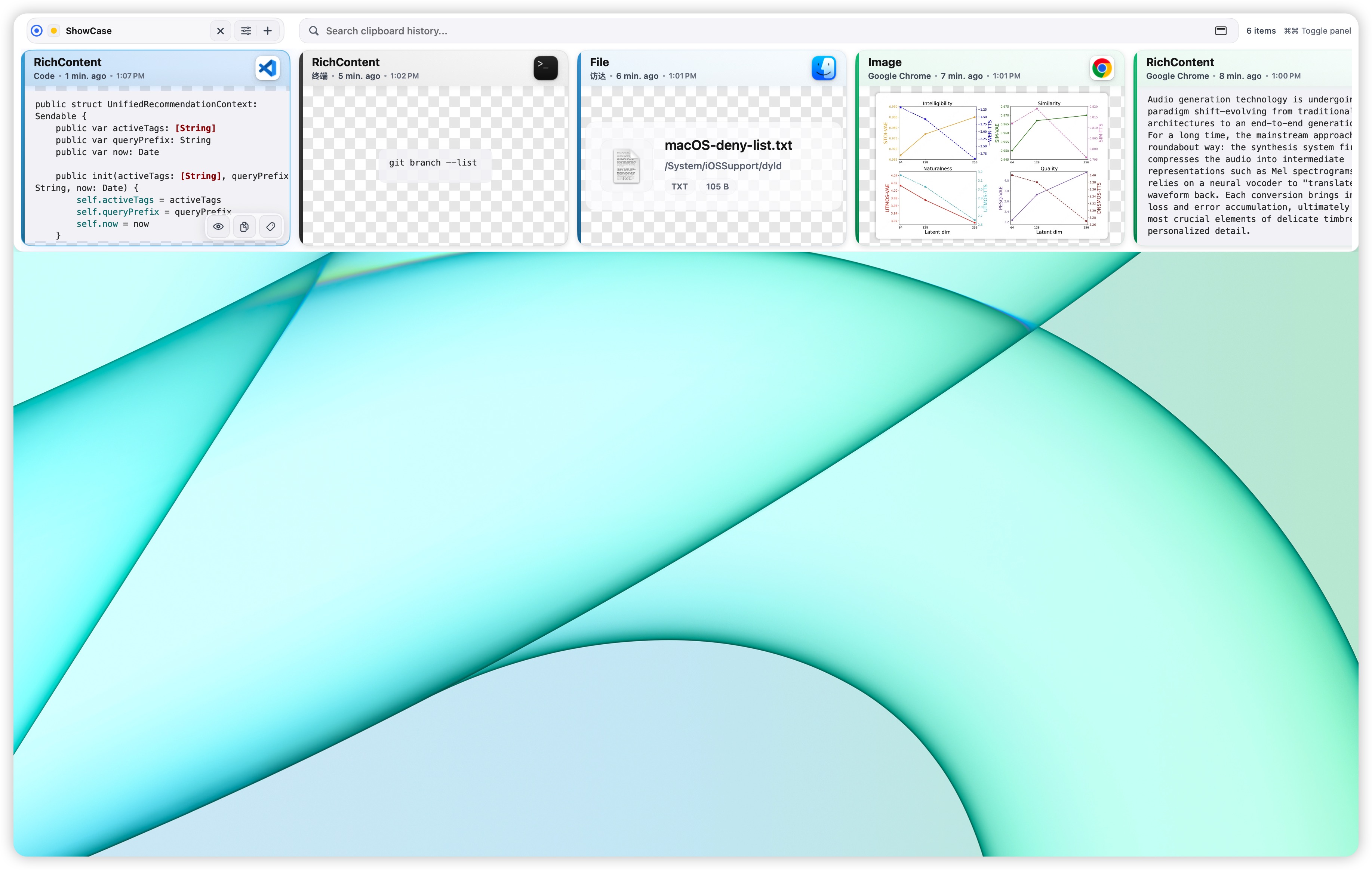
Copied yesterday · Chrome · Image with text
PasteNext turns clipboard history into a searchable workspace. It uses source app, content type, time, meaning, and image text to recover what matters.
Describe remembered clues: app, time, content type, meaning, and image text.
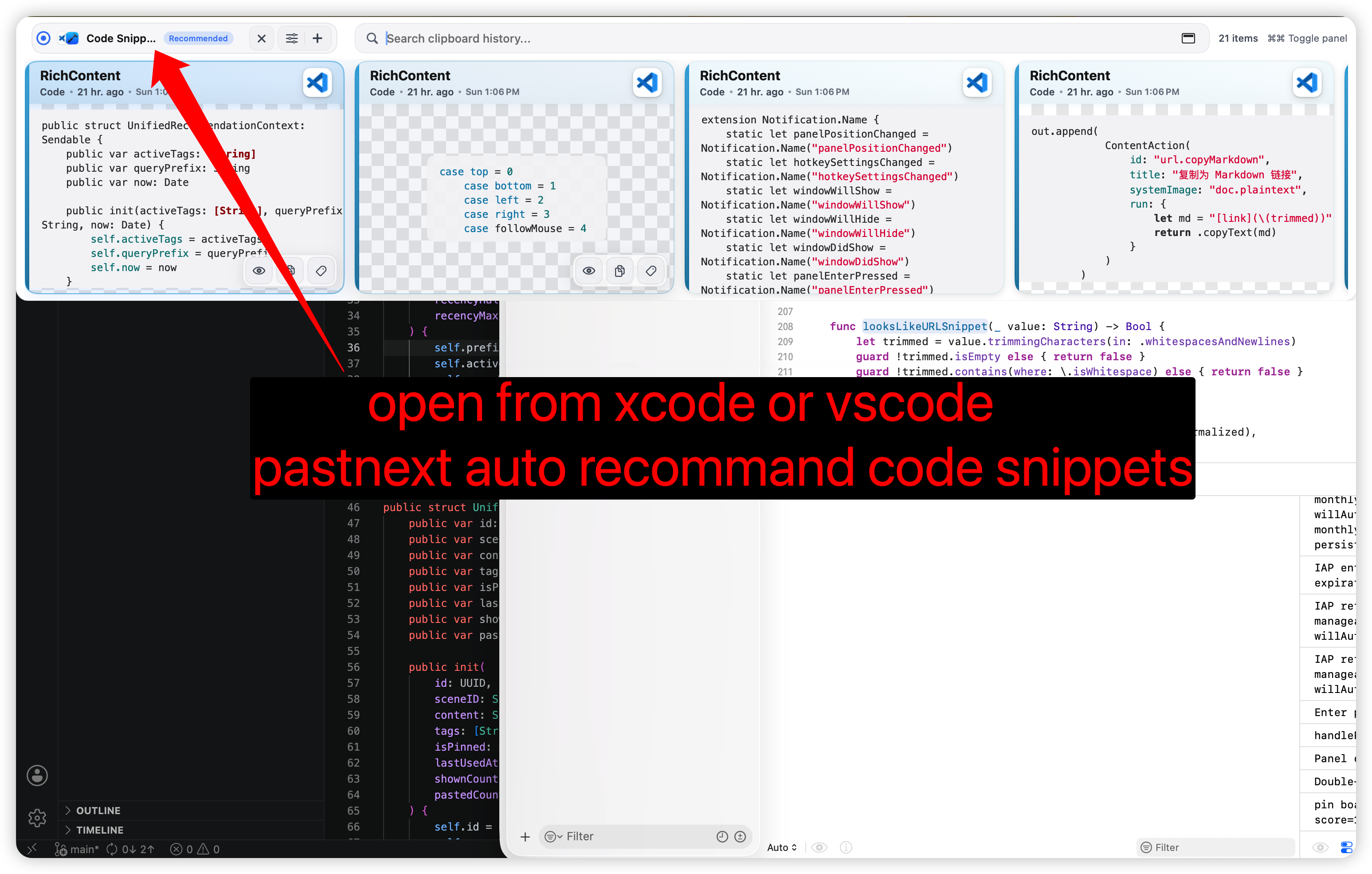
Recommend the right reusable board from the app you are currently using.
Clipboard history, Pinboards, tags, and local indexes stay on your Mac by default.
PasteNext is useful when you remember what the item was, but not the exact string you copied.
Works with Xcode, Chrome, VS Code, Mail, and the apps you already use.
PasteNext is designed around how memory actually works: partial clues, not perfect keywords.
PasteNext records text, rich text, code, images, files, and folders in the background.
Search with the app, time, content type, or the text you can recall. Image text is searchable too.
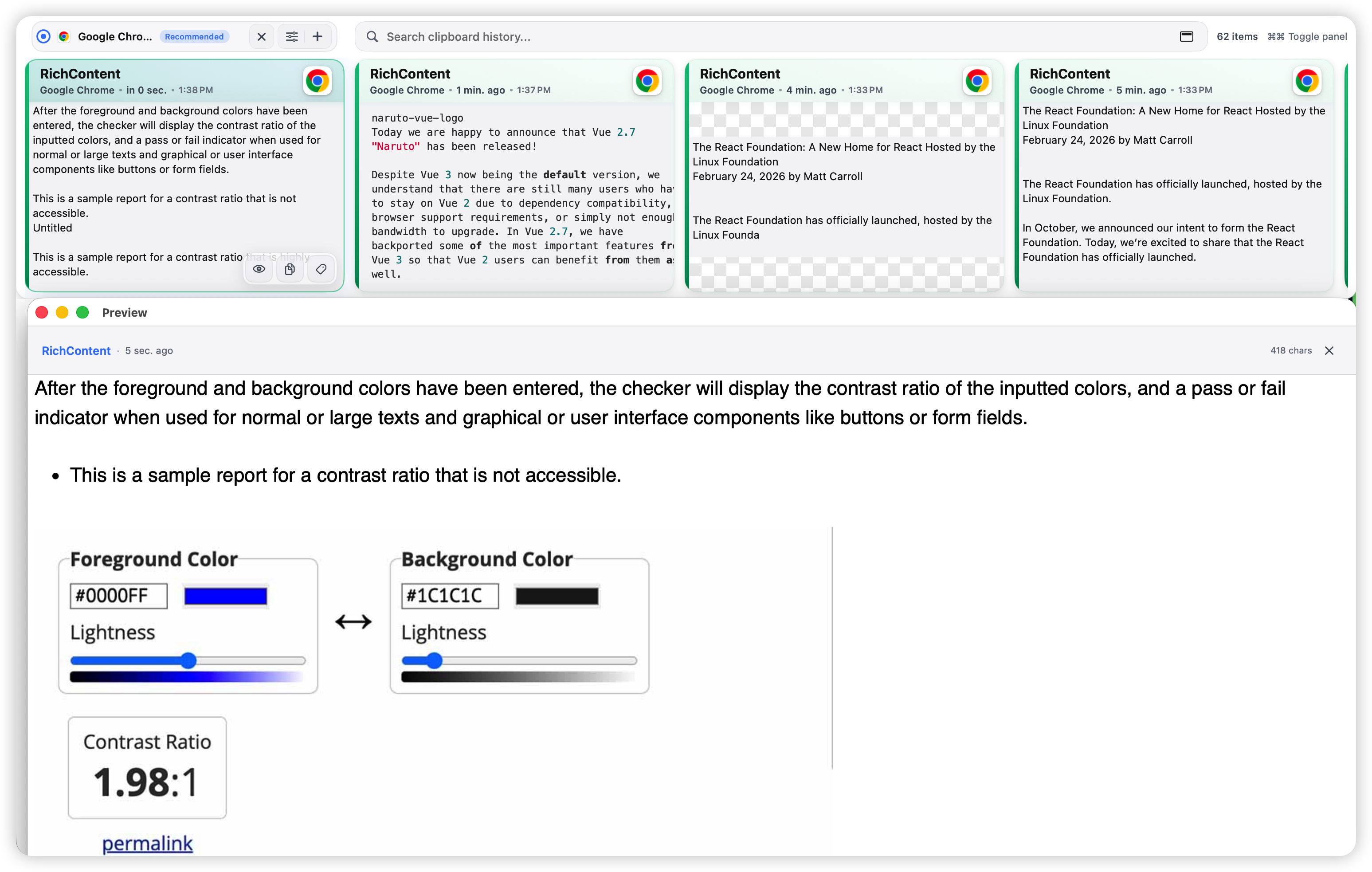
Preview the item, then paste it into the current app or save it to a Pinboard for reuse.
From natural language search to Pinboard recommendations, these are the surfaces you will use daily.
Download, guides, privacy, terms, and product support stay in predictable places.
Open PasteNext on the Mac App Store or review purchase availability.
Open App StoreFind help for installation, permissions, purchase restore, SmartSearch, and privacy.
Visit supportLearn how PasteNext handles clipboard history, local data, and support requests.
Read privacy policyReview the terms for the PasteNext website, support pages, and macOS app.
Read terms