 Guide 01
剪贴板面板的基础使用
熟悉 PasteNext 剪贴板面板的打开方式、搜索框、PinBoard 栏、历史记录卡片、预览和删除操作。
打开面板搜索与选择预览删除 阅读教程建议按顺序阅读:先熟悉面板,再学习 SmartSearch 和 PinBoard,最后掌握粘贴与数据备份。
Guide 01
熟悉 PasteNext 剪贴板面板的打开方式、搜索框、PinBoard 栏、历史记录卡片、预览和删除操作。
打开面板搜索与选择预览删除 阅读教程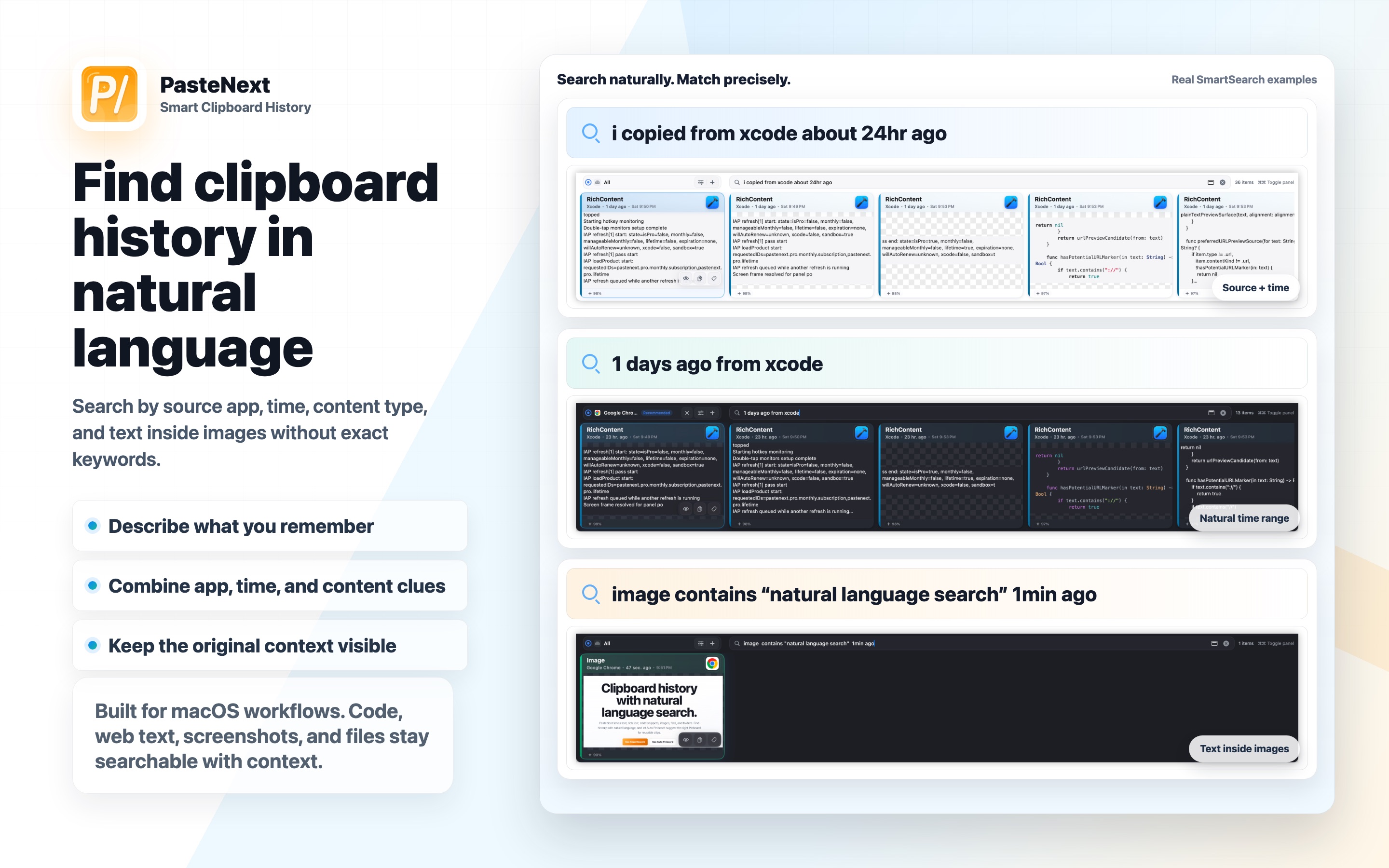 Guide 02
用自然语言、来源 App、时间范围、内容类型和图片文字找回剪贴板历史。
自然语言来源 App图片文字 阅读教程 Guide 03
把会反复使用的剪贴板内容整理进 PinBoard,并用 App 关联让推荐更贴近当前工作场景。
常用片段App 关联自动推荐 阅读教程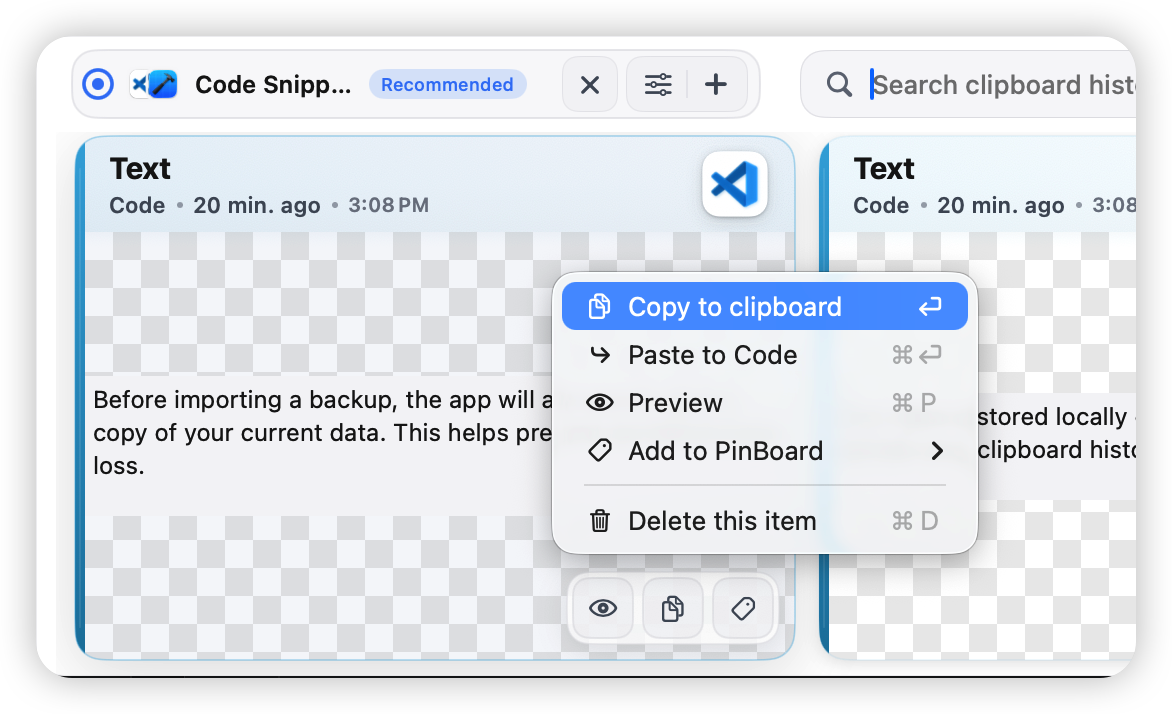 Guide 04
理解复制到剪贴板、手动粘贴、直接粘贴和粘贴前预览之间的区别。
复制直接粘贴权限检查 阅读教程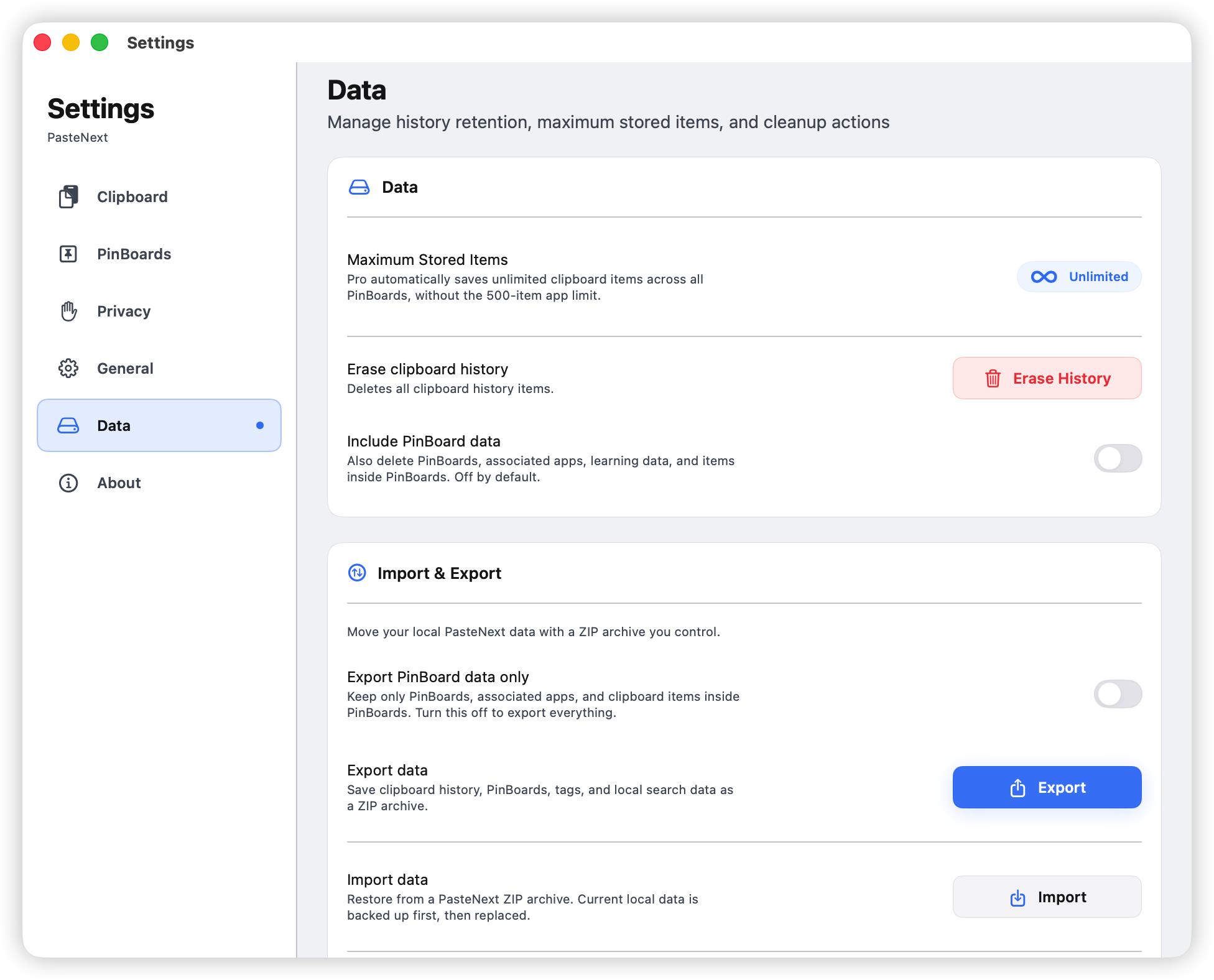 Guide 05
导出 ZIP 备份、仅备份 PinBoard、导入前保护当前数据,并建立轻量备份习惯。
ZIP 备份PinBoard 迁移安全恢复 阅读教程关于剪贴板历史、自然语言搜索和与其他工具对比的深入文章。
Start with the clipboard panel, then learn search, organization, paste workflows, and backups. Each guide uses real product screenshots so you can follow along while you work.
Read in order: get comfortable with the panel, then learn SmartSearch and PinBoard, and finish with paste workflows and data backup.
Guide 01
Learn how to open the PasteNext panel, use search, browse PinBoards, read history cards, preview content, and delete items.
Open panelSearch and selectPreview and delete Read guide
Guide 02
Find clipboard history with natural language, source apps, time ranges, content types, and text inside images.
Natural languageSource appImage text Read guide
Guide 03
Organize reusable clipboard items into PinBoards and link apps so recommendations match your current work context.
Reusable clipsApp linksAuto recommendations Read guide
Guide 04
Understand copy-to-clipboard, manual paste, direct paste, and when to preview content before pasting.
CopyDirect pastePermission check Read guide
Guide 05
Export ZIP backups, back up PinBoards only, protect current data before import, and build a lightweight backup habit.
ZIP backupPinBoard migrationSafe restore Read guideIn-depth articles on clipboard history, natural language search, and how PasteNext compares to other tools.
The system clipboard keeps only your last copy. Learn how to record history and find earlier copies again from partial memory.
Read articleRemember what a screenshot said but can't find the image? Learn how to find screenshots by the text inside them.
Read article